Airbnb Cash Flow Spreadsheet: Build a 13-Week Operator Forecast
By Sean Rakidzich.
Published .
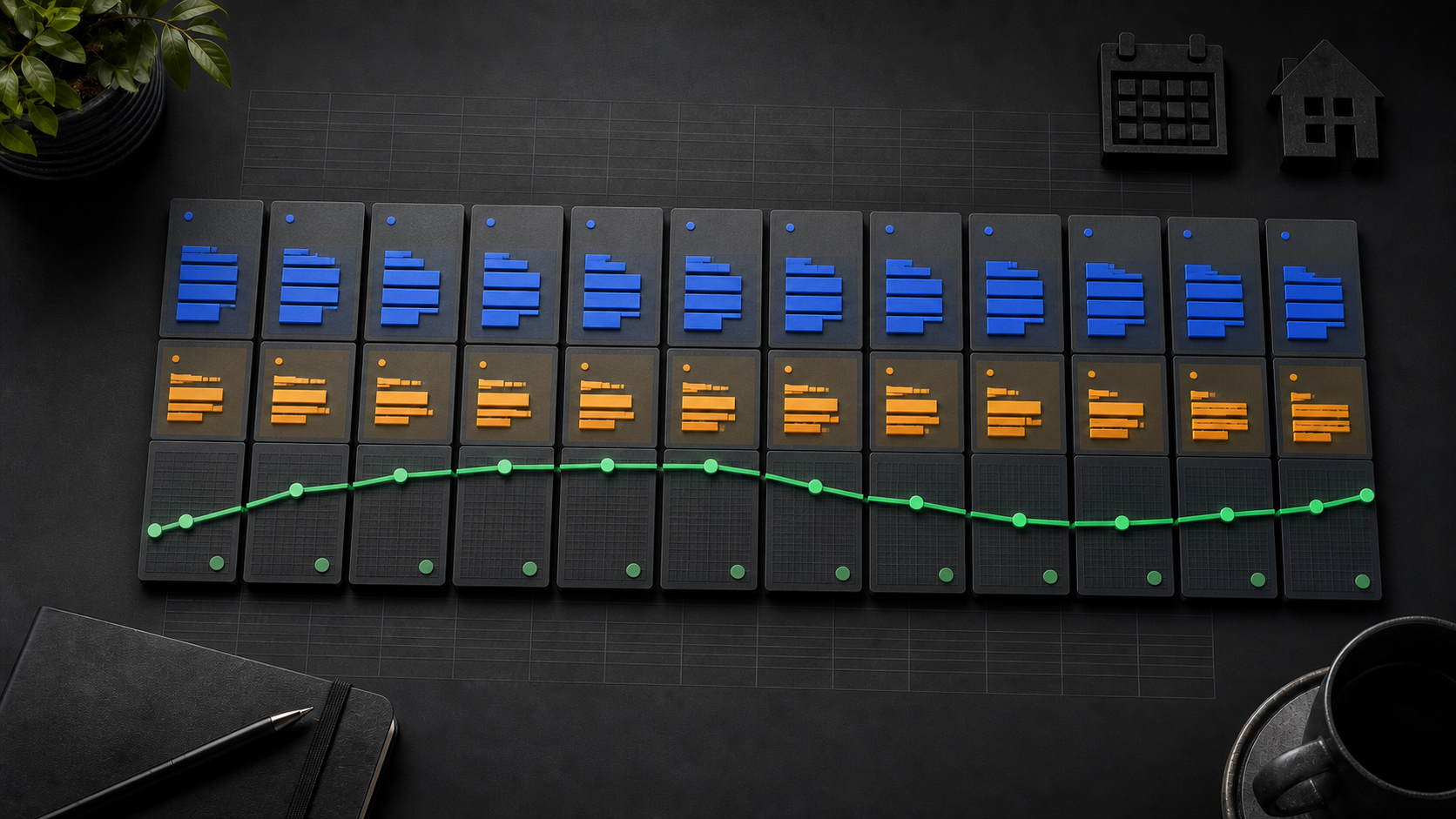
TL;DR
A cash flow spreadsheet tracks money moving in and out each week. Build one column per week across 13 weeks. Each week starts with the prior week's ending cash, adds inflows, and subtracts outflows. The result is your ending cash for that week.
Airbnb's payout guidance says payout timing varies by reservation, stay, schedule, payout method, region, and host-status factors. Hypothetical example: if a $1,800 inflow entered for Week 5 clears in Week 6, record $0 in Week 5 and move the $1,800 inflow to Week 6. This is a cash-timing scenario, not a forecast or guarantee.
Educational scope: This worksheet uses operator-entered assumptions for internal planning only. It does not determine tax, accounting, legal, valuation, investment-return, or performance outcomes.
Key Facts
| Metric | Value | Source |
|---|---|---|
| Rolling forecast horizon | Three-month look-ahead; some businesses may use weekly periods across 13 weeks | SCORE Cash Flow Management Basics, page 29 |
| Forecast type | Regularly updated view of expected cash in, cash out, and resulting balances | SCORE Cash Flow Management Basics, page 29 |
| Worksheet scope | Expected cash in, cash out, and resulting balances; profit calculation is outside this worksheet | Operator-selected worksheet boundary |
| Payout timing factors | Reservation type, stay length, payout schedule, payout method, region, host status, weekends, holidays, transaction review | Airbnb Payout Help Article 425 |
| Payout status visibility | Hosts can inspect payout status in the Airbnb earnings dashboard | Airbnb Payout Help Article 425 |
Why Profit Timing and Cash Timing Differ in 2026
The 13-week worksheet separates cash timing from profit measurement and does not calculate profit. Airbnb's payout guidance describes timing factors between a reservation or stay and payout processing. The worksheet keeps the operator-entered bank-arrival assumption separate from the booking date.
The worksheet described here makes that gap visible. It does not predict revenue or guarantee any balance. It maps the timing of money you have already entered as assumptions.
Define the 13-Week Horizon
SCORE's Cash Flow Management Basics, page 29 presents a three-month look-ahead and notes that some businesses may model cash weekly across 13 weeks. This worksheet selects the weekly 13-week option as an operator routine, not a mandatory standard.
The 13-Week Grid Begins with Cash and Weekly Columns
Educational scope: This worksheet uses operator-entered assumptions for internal planning only. It does not determine tax, accounting, legal, valuation, investment-return, or performance outcomes.
Set Up the Grid
Create one row for each cash field. Create one column for each week, labeled Week 1 through Week 13. Add a column to the left for field names and units.
Row 1: Beginning Cash (dollars, operator-entered for Week 1 only). Row 2: Total Inflows. Row 3: Total Outflows. Row 4: Ending Cash.
The Core Roll-Forward Formula
Each week follows one rule:
If Beginning Cash or any applicable inflow or outflow is UNKNOWN:
  Ending Cash = UNKNOWN / NOT CALCULATED

If Beginning Cash and all applicable inflows and outflows are known:
  Ending Cash = Beginning Cash + Total Inflows - Total Outflows
The numeric formula runs only after Week 1 Beginning Cash has an explicitly entered numeric value and every applicable component row is known. Total Inflows and Total Outflows use nonnegative magnitudes. Reclassify reversals and credits according to their cash direction instead of silently inverting a sign: cash received belongs in inflows, and cash paid belongs in outflows. The next week's Beginning Cash equals the prior week's Ending Cash. Week 1 Beginning Cash is the only manually entered starting value. Every later week inherits it automatically.
Edge cases to handle in your spreadsheet:
- Zero inflows: Ending Cash equals Beginning Cash minus outflows. The formula still works.
- Zero outflows: Ending Cash equals Beginning Cash plus inflows. The formula still works.
- N/A component row: Exclude the row from its total only when it is not applicable for that week.
- UNKNOWN applicable row: Block its total and return UNKNOWN / NOT CALCULATED for Ending Cash until the amount is resolved.
- Negative inflow or outflow entry: Do not pass it through or silently invert it. Reclassify the underlying reversal or credit into the correct cash-direction row and enter a nonnegative magnitude.
- Negative Beginning Cash: Keep it as the labeled starting state and run the formula when all other applicable inputs are known.
- Negative Ending Cash: Preserve the negative number and label the plan infeasible for that week. Do not clamp it to zero.
- Week 1 Beginning Cash not entered: Return UNKNOWN / NOT CALCULATED and do not run the numeric formula. A blank is not zero. Enter zero only when the actual starting balance is explicitly known to be zero.
Airbnb Status and Bank Evidence Stay Separate in Each Inflow Row
How to Record Airbnb Payouts
Airbnb's payout guidance supports checking current payout status and identifies timing factors including reservation type, stay length, payout schedule, payout method, processing time, region, new-host status, weekends, holidays, and transaction review. It does not supply the operator's bank-clearing history.
Keep the Airbnb record and the operator's bank evidence separate. Use these labeled fields for each payout:
- Airbnb release/status record: Copy the current status and any release date only if they are visibly present in the actual Airbnb account. If a release date is not visible, mark it UNKNOWN.
- Bank-clearing date: Record the date funds appeared using separate operator-observed bank evidence. Do not label this as an Airbnb dashboard fact.
- Observed delay (days): Calculate bank-clearing date minus the visibly recorded Airbnb release date only when both dates are known; otherwise mark it UNKNOWN.
- Delay assumption (days): Enter an operator-selected buffer for the forecast. This is an assumption, not a platform guarantee.
Place each payout in the week column that matches your estimated arrival date. If the payout does not arrive in that week, move it to the correct week during your next update. Airbnb's payout guidance explains how hosts can inspect current payout status in the earnings dashboard.
Other Inflow Types
Label each inflow source separately. Common operator-entered inflow types include direct-booking payments, security deposit releases (if applicable to your setup), and any other cash receipts. Keep each source in its own row so you can trace which inflow landed in which week.
Do not combine inflow types into one unlabeled cell. Combined cells hide timing problems.
The 13-Week Grid Keeps Recurring and One-Time Outflows Separate
Outflows fall into two groups: recurring and one-time. Recurring outflows repeat on a known schedule, such as weekly cleaning fees, monthly mortgage or rent payments, and subscription software costs. One-time outflows occur in a specific week, such as a repair, a supply restock, or an annual permit renewal.
Enter each outflow in the week it is expected to leave your account, not the week you incur the obligation. Cash flow timing is about when money moves, not when a bill arrives.
Keep a separate row for each outflow category. Do not net outflows against inflows before entering them. The formula subtracts Total Outflows as a group, so each item must be visible in its own row before being summed.
The 13-Week Payout Delay Buffer Remains an Operator Assumption
Payout timing is one source of forecast error modeled in this worksheet. A payout entered for Week 3 can be moved to Week 4 if the observed arrival date changes. The worksheet handles that uncertainty with an operator-entered delay assumption row, not a fixed date.
Operator-selected approach: Keep the Airbnb release/status record, bank-clearing date, and observed-delay calculation in separate rows. Build observed-delay history only from payouts for which the actual Airbnb account visibly supplies a release date and separate bank evidence supplies the clearing date. Use those calculations to set the row labeled "Payout delay buffer (days), operator assumption."
The payout-delay buffer is an input you control. It is not a platform rule, a universal standard, or a guarantee. Different payout methods, regions, and host statuses produce different observed windows, as Airbnb's payout help page confirms.
Each of 13 Weeks Calculates Ending Cash from Known Inputs
Once all inflows and outflows are entered, the Ending Cash row calculates automatically using the roll-forward formula. Review each week's result before moving to scenario planning.
Check for three conditions in each week column:
- Positive balance: Cash is sufficient for that week's outflows.
- Near-zero balance: A small inflow delay or unexpected outflow could push the week negative. Flag this week for closer monitoring.
- Negative balance: The plan as entered is not feasible for that week. You need to move an outflow, accelerate an inflow, or draw from reserves. See the guide to building an Airbnb cash reserve for reserve planning context.
Three 13-Week Scenarios Show Assumptions Without Promises
Why Three Scenarios
A single forecast assumes one outcome. Three scenarios show a range. The worksheet does not predict which scenario will occur. It shows what your cash position looks like under different operator-entered assumptions.
How to Set Up Scenarios
Copy the completed base worksheet into two additional tabs or column groups. Label them Low, Base, and High.
- Base: Your most likely inflow and outflow assumptions as currently entered.
- Low: Reduce inflows by an operator-selected percentage and increase your payout delay buffer. Do not reduce outflows unless you have a specific plan to cut them.
- High: Increase inflows by an operator-selected percentage and reduce your delay buffer to the shortest you have observed.
Every percentage you enter is your assumption. The worksheet does not supply or validate those percentages. Label each scenario tab with the assumption changes so a future reader can reconstruct your reasoning.
Hypothetical Example for Week 5 of the 13-Week Plan
Hypothetical period: one week, Week 5 of a 13-week plan. Units: US dollars. All numbers are invented for illustration and do not represent any real property or operator.
- Beginning Cash (Week 5): $4,200 (carried from Week 4 Ending Cash)
- Base inflow assumption: $1,800 payout expected to clear
- Outflows: $900 cleaning, $600 mortgage contribution, $150 supplies = $1,650 total
- Base Ending Cash: $4,200 + $1,800 - $1,650 = $4,350
- Low scenario: inflow delayed to Week 6, so Week 5 inflow = $0. Ending Cash: $4,200 + $0 - $1,650 = $2,550
- High scenario: additional $400 direct-booking payment clears. Ending Cash: $4,200 + $2,200 - $1,650 = $4,750
Arithmetic: $4,200 + $1,800 = $6,000; $6,000 - $1,650 = $4,350. Low: $4,200 - $1,650 = $2,550. High: $4,200 + $2,200 = $6,400; $6,400 - $1,650 = $4,750. No rounding applied; all inputs are whole dollars.
The Low scenario does not produce a negative balance in this example. In a week with higher outflows or a lower starting balance, a delayed payout could produce a negative result. That is the value of running the Low scenario before the week arrives.
Weekly Update Routine
A rolling forecast stays useful only when updated. Once per week, complete these steps in order:
- Open the Airbnb earnings dashboard and record any payout status changes.
- Enter actual cash received during the prior week into the completed week's inflow cells.
- Enter actual cash paid during the prior week into the completed week's outflow cells.
- Compare actual results to your forecast. Note any week where actual inflows arrived later than assumed.
- Update your payout delay buffer if your observed timing has changed.
- Add a new Week 14 column to maintain the 13-week forward window, and archive the completed week.
Failure Signals and Operator Stop Rules
The worksheet does not set universal alert thresholds. Operators choose their own minimum balance and alert levels based on their fixed obligations and risk tolerance. The following are examples of operator-selected rules, not platform requirements or universal standards.
Example operator rule A: If any week's Ending Cash in the Base scenario falls below a chosen minimum balance (operator-defined), flag that week in red and review outflow timing before the week begins.
Example operator rule B: If the Low scenario produces a negative Ending Cash in two or more consecutive weeks, treat that as a signal to review the reserve plan before those weeks arrive.
The operator-selected stop rules are inputs you define. Change them to match your actual obligations. A rule that works for one operator's cost structure may not fit another's.
Frequently Asked Questions
How do I build a 13-week Airbnb cash flow forecast?
Start with your current bank balance as Week 1 Beginning Cash. Create 13 weekly columns. For each week, enter expected inflows in the week you estimate funds will clear your account, using your observed payout delay as a buffer. Enter each outflow in the week it leaves your account. Apply the formula: Ending Cash equals Beginning Cash plus Total Inflows minus Total Outflows. Carry each week's Ending Cash forward as the next week's Beginning Cash. Update actual results weekly and extend the window by one week to keep a rolling 13-week view.
If you want help applying this worksheet to your operation, Book a strategy session.